
Desk Cable Management With Gaffer Tape
How to get a clean desk setup: bundle and route cables, secure them under the desk, label plugs, and what to use trays for instead of tape.
Short answer: For a clean desk setup, bundle cables by device, route them down a desk leg or along the back edge, and secure them under the desk with short strips of black gaffer tape. Label each plug with white tape so you know what to unplug. Use a cable tray for heavy power strips, and never tape over power bricks or chargers, which need airflow to stay cool.
Clean desk setups are one of the most shared home office and gaming trends online. Behind every “minimal” desk is a cable plan. You do not need expensive kits to get there. A tray for the power strip, a few zip ties and a roll of gaffer tape do most of the work.
Step by step
- Unplug and sort. Group cables by device: monitor, computer, lamp, speakers, chargers.
- Label each plug. Wrap a small flag of white tape near each plug and write the device name. This saves guessing later.
- Mount the power strip. Put it in a cable tray under the desk or on the back of a desk leg, so it is off the floor.
- Route the cables. Run each cable from the device, over the back edge of the desk and down to the tray, keeping lengths tidy.
- Tape the runs. Secure cables to the underside of the desk and down the leg with short strips of black gaffer tape every 12 inches or so.
- Bundle the rest. Coil extra length loosely and hold it with a zip tie or a strip of tape.
- One cable to the wall. Run a single power cable from the tray to the outlet, taped along the floor edge or wall.
What to use for each job
| Job | Best tool |
|---|---|
| Holding a heavy power strip | Cable tray or screw-mounted holder |
| Securing cable runs under the desk | Black gaffer tape |
| Bundling extra length | Zip ties or Velcro straps |
| Labeling plugs and cables | White gaffer tape and a marker |
| Hiding cables on the wall | Cable raceway, or tape for short-term setups |
What not to do
- Do not tape over power bricks, chargers or adapters. They get warm and need air.
- Do not hang heavy hubs or drives from tape. Use a mount or tray.
- Do not pull cables tight. Leave slack at the device end so you can move the monitor.
- Do not run power cords under rugs. Covered cords can overheat.
Why gaffer tape for cable management?
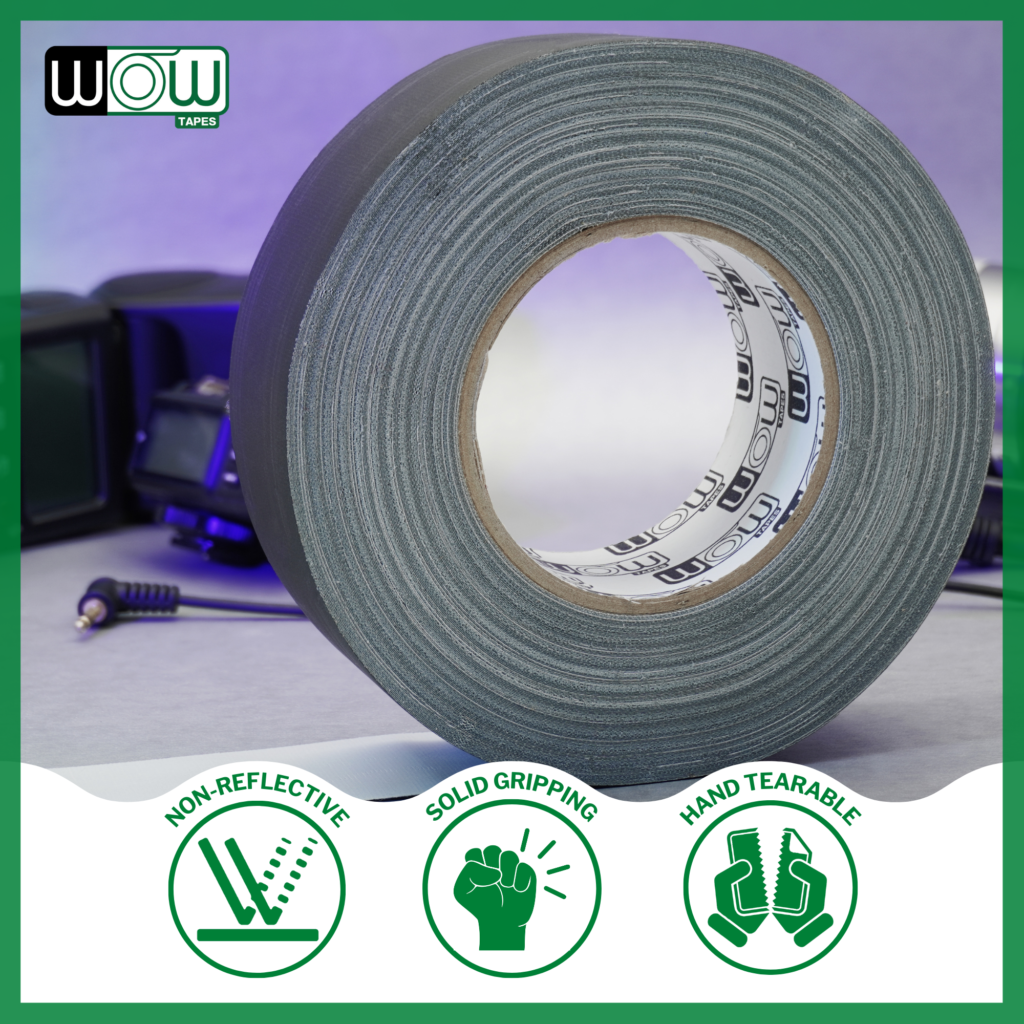
It grips the underside of desks and smooth legs, has a matte finish that does not catch light on camera, and peels off cleanly when you rearrange. That matters if you stream or record from your desk. See video podcast studio setup for on-camera tips.
Frequently asked questions
How do I hide cables under my desk?
Put the power strip in a tray under the desk, route each cable over the back edge to the tray, and secure the runs to the underside with short strips of black gaffer tape.
Is tape good for cable management?
Gaffer tape is good for securing and labeling cable runs because it holds firmly and comes off cleanly. Use trays and mounts for heavy items like power strips and hubs.
Can I tape a power strip under my desk?
It is better to use a cable tray or screw-mounted holder. Tape can hold a very light strip, but trays are more secure for anything with weight.
Will gaffer tape damage my desk?
Good gaffer tape usually comes off finished desks cleanly. On delicate or unsealed wood, test in a hidden spot first.
Bottom line
Tray the power, tape the runs, label the plugs and leave the bricks free. Wow black gaffer tape disappears under the desk and comes off clean when you change your setup.
More gaffer tape guides
 Gaffer Tape for Photography Backdrops
How photographers use gaffer tape for seamless paper and fabric backdrops, stands, cables and position marks, plus which color to use and…
Gaffer Tape for Photography Backdrops
How photographers use gaffer tape for seamless paper and fabric backdrops, stands, cables and position marks, plus which color to use and…
 How to Remove Tape Residue Without Damage
How to remove tape residue from floors, walls, glass, metal, plastic and cables without damage, plus why some tape leaves residue and…
How to Remove Tape Residue Without Damage
How to remove tape residue from floors, walls, glass, metal, plastic and cables without damage, plus why some tape leaves residue and…
 How to Label Moving Boxes and Cables
How to label moving boxes and cables so move-in is fast: what to write, where to put labels, room color codes, cable…
How to Label Moving Boxes and Cables
How to label moving boxes and cables so move-in is fast: what to write, where to put labels, room color codes, cable…